Jan 14, 2026
Embeddable Widgets for Websites: Booking, Forms, Chat, and More
Add embeddable widgets to any website — booking, forms, chat, and more. Manage all submissions from one admin dashboard, with Framer components included.
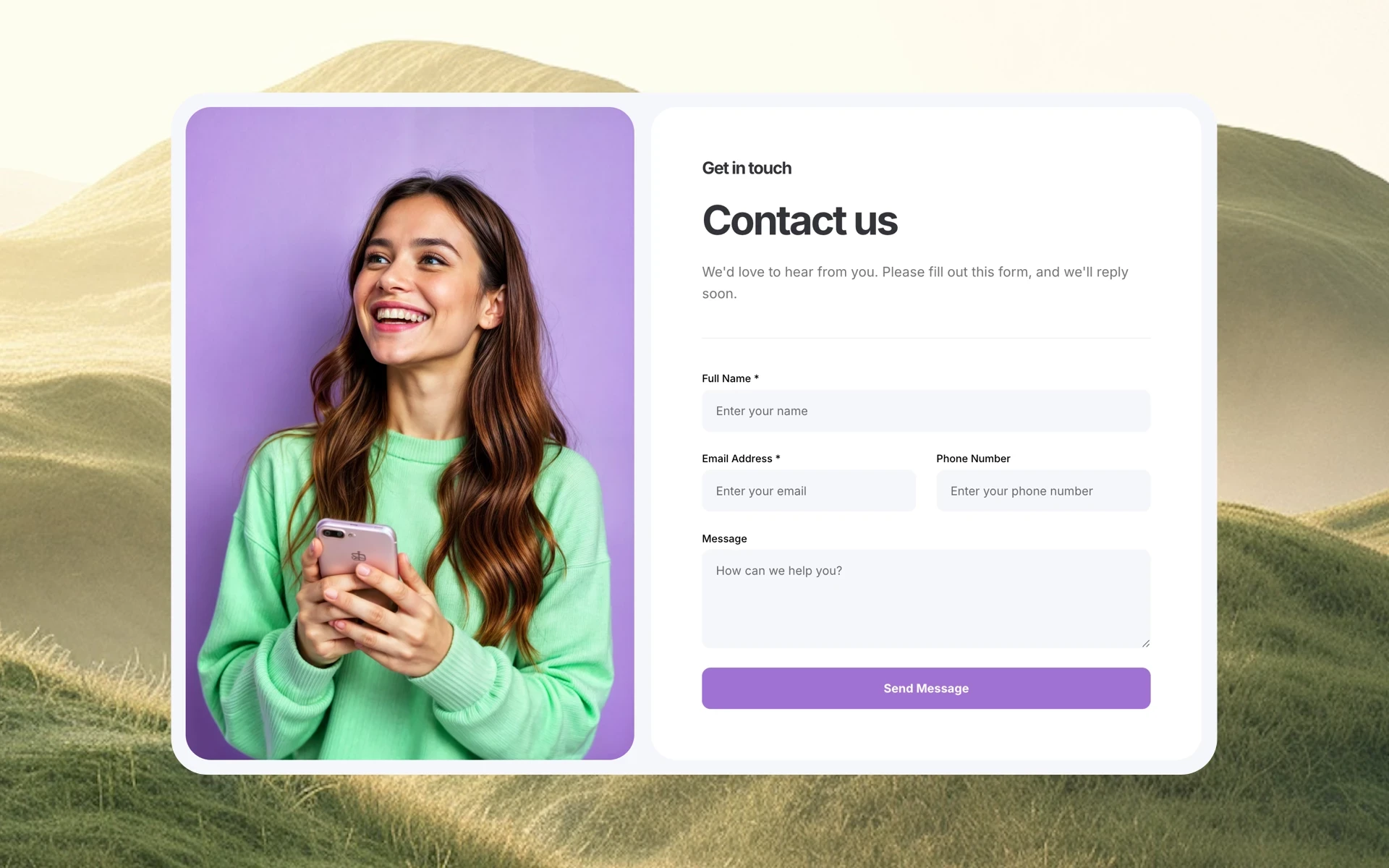
Modern websites are no longer just static pages — they’re expected to collect data, handle conversations, and support real interactions.
That’s why embeddable widgets have become a core building block for websites of all kinds. From booking appointments to collecting leads or chatting with visitors, widgets make it possible to add functionality without rebuilding your entire site.
In this guide, we’ll explore what embeddable widgets for websites really are, why they matter, and how to choose a solution that works across any website platform, including Framer.
Create widgets with Supaframe.
What Are Embeddable Widgets for Websites?
Embeddable widgets are self-contained components you can place directly into a website to add interactive functionality.
Common examples include:
appointment booking widgets
contact and lead forms
chat widgets
polls and feedback forms
testimonial collectors and galleries
Instead of building each feature from scratch, widgets allow you to embed ready-made functionality into your site while managing everything from a separate admin interface.
Why Embeddable Widgets Matter for Modern Websites
Many websites still rely on outdated workflows:
static contact pages
email-based communication
disconnected third-party tools
manual follow-ups
This creates common problems:
lost messages and leads
fragmented customer data
poor response times
inconsistent user experience
Embeddable widgets solve this by turning websites into active interaction points, not just content displays.
Website Widgets With an Admin Panel: The Key Difference
Not all widgets are created equal.
Some widgets simply collect data and send it to an email inbox. While simple, this approach doesn’t scale.
A better solution is using website widgets with a built-in admin panel, where every interaction is stored, organized, and manageable in one place.
With an admin-backed widget system, you can:
view all submissions centrally
track customer history across widgets
manage conversations and bookings
automate follow-ups and workflows
This is what transforms widgets from “forms on a page” into real business tools.
Types of Embeddable Widgets You Can Add to Any Website
A modern widget platform typically includes several core components.
Appointment Booking Widgets
Allow visitors to:
book meetings or services
choose available time slots
optionally pay upfront
Booking widgets eliminate manual scheduling and keep availability synchronized automatically.
Contact Forms and Lead Capture
Embeddable forms make it easy to:
collect inquiries
capture lead details
route messages to a central inbox
When paired with an admin dashboard, forms also act as a lightweight CRM.
Chat Widgets
Chat widgets let visitors:
ask questions instantly
start conversations directly from your website
share their email before or after messaging
All conversations can be managed centrally, without relying on external chat tools.
Feedback, Polls, and Testimonials
These widgets help you:
gather structured feedback
validate ideas
collect testimonials for social proof
Because they’re embedded, feedback happens in context, not in separate tools.
Embeddable Forms and Booking Without a Backend
One of the biggest advantages of modern widget platforms is that they don’t require backend development.
Instead of building:
servers
databases
APIs
authentication systems
The widget platform handles all logic and storage, while your website remains lightweight and easy to maintain.
This approach works especially well for:
marketing websites
landing pages
Framer or Webflow sites
static sites
client projects
Create widgets with Supaframe.
How Embeddable Widgets Work Across Any Website Platform
A good widget system should be platform-agnostic.
That means widgets can be added to:
custom HTML sites
CMS-based websites
no-code builders
static site generators
Widgets are typically embedded using:
iframe embeds
script-based embeds
public shareable links
This ensures flexibility without locking you into one website builder.
Framer Components for Faster Setup
While embeddable widgets should work everywhere, native integrations still matter.
For Framer users, dedicated Framer components make embedding widgets even faster:
copy and paste the component
customize styling visually
publish instantly
At the same time, the same widgets can be reused on any other website, using standard embed methods.
This makes it easy to:
migrate sites
reuse widgets across projects
support multiple clients
Centralized Data: One Dashboard for All Widgets
One of the biggest benefits of embeddable widgets is centralized data management.
Instead of checking:
form emails
booking notifications
chat transcripts
spreadsheets
All interactions live in a single dashboard where you can:
see every customer
track submissions by widget
manage conversations and bookings
export or integrate data
This keeps teams organized and responsive.
Integrations and Automation
Embeddable widgets don’t mean limited flexibility.
Modern widget platforms support:
webhooks
integrations with tools like Notion or Airtable
automation with Zapier, Make, or n8n
This allows widget data to trigger workflows, update databases, or notify teams — without custom code.
Who Embeddable Widgets Are Best For
Embeddable widgets for websites are ideal if you:
want to move fast
avoid backend complexity
manage multiple websites
value clean UX and organization
They’re commonly used by:
solo founders
consultants and freelancers
agencies
no-code builders
marketing teams
Final Thoughts
Embeddable widgets are no longer just add-ons — they’re a foundation for modern websites.
By using website widgets with an admin panel, you can add booking, forms, chat, and feedback to any website while keeping data centralized and workflows simple.
Whether you’re using Framer or any other platform, embeddable widgets provide a scalable, backend-free way to turn your website into a place where real interactions happen.
Looking to add embeddable widgets to your website?
Try building your booking, forms, and chat widgets with Supaframe — and embed them anywhere.